 FitUp
How it works
How FitUp works, from tape measure to cut length
FitUp asks for the numbers you already measure, does the offset math the same way every time, and hands back the length to mark on the pipe. Here is the whole path, from opening the app the first time to reading a cut list at the saw.
First launch: five screens, one real offset
Setup is five short screens, each a question from Buck the beaver, FitUp's mascot. Tapping an answer selects it; nothing moves on until you tap Continue.
Which of these sounds like you?
Offset math on cardboard, rolling offsets, cuts that come up long, or converting decimals by hand. Your answer decides which tool sits first on the home screen.
What do you work on?
Pipefitting, pipe welding and fab, steamfitting and HVAC, or plumbing. The welded trades start with 45 LR elbows and a 1/8 inch gap per joint; plumbing starts center to center with no gap.
What size do you run most?
Every tool opens on this pipe size, because take-outs grow with the pipe.
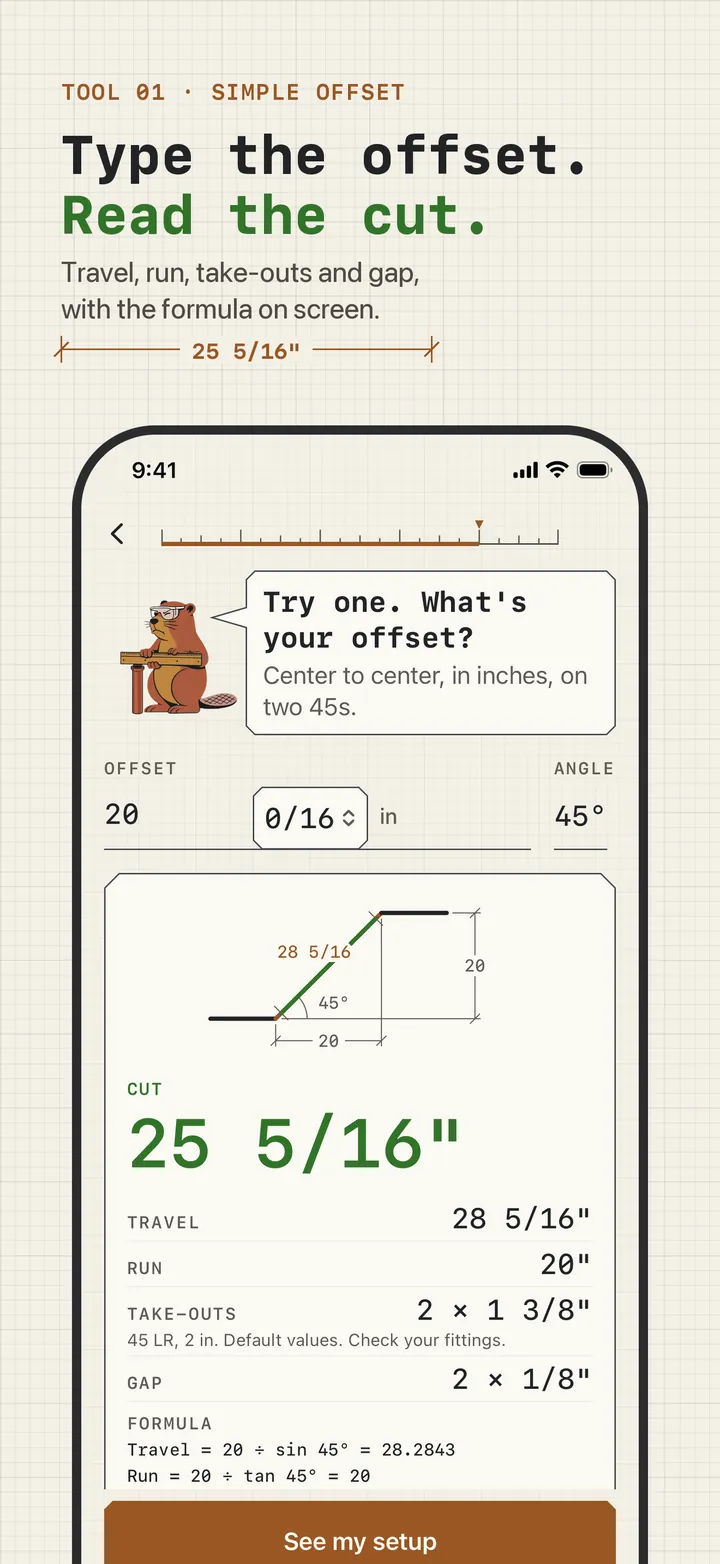
Try one. What's your offset?
You type a real 45 degree offset and watch the diagram draw and the cut length appear. That answer is saved as Cut 1 of Job 1.
Measured twice. Cut it.
Your setup, built from your answers. The last button, Start cutting, opens the calculator home. No price appears anywhere in setup.
On the job: measure, type, read, save
Measure center to center
For a simple offset, how far the line moves over. For a rolling offset, the rise (plumb) and the roll (level). Measure to centerlines, not to the outside of the pipe.
Open the tool and type the number
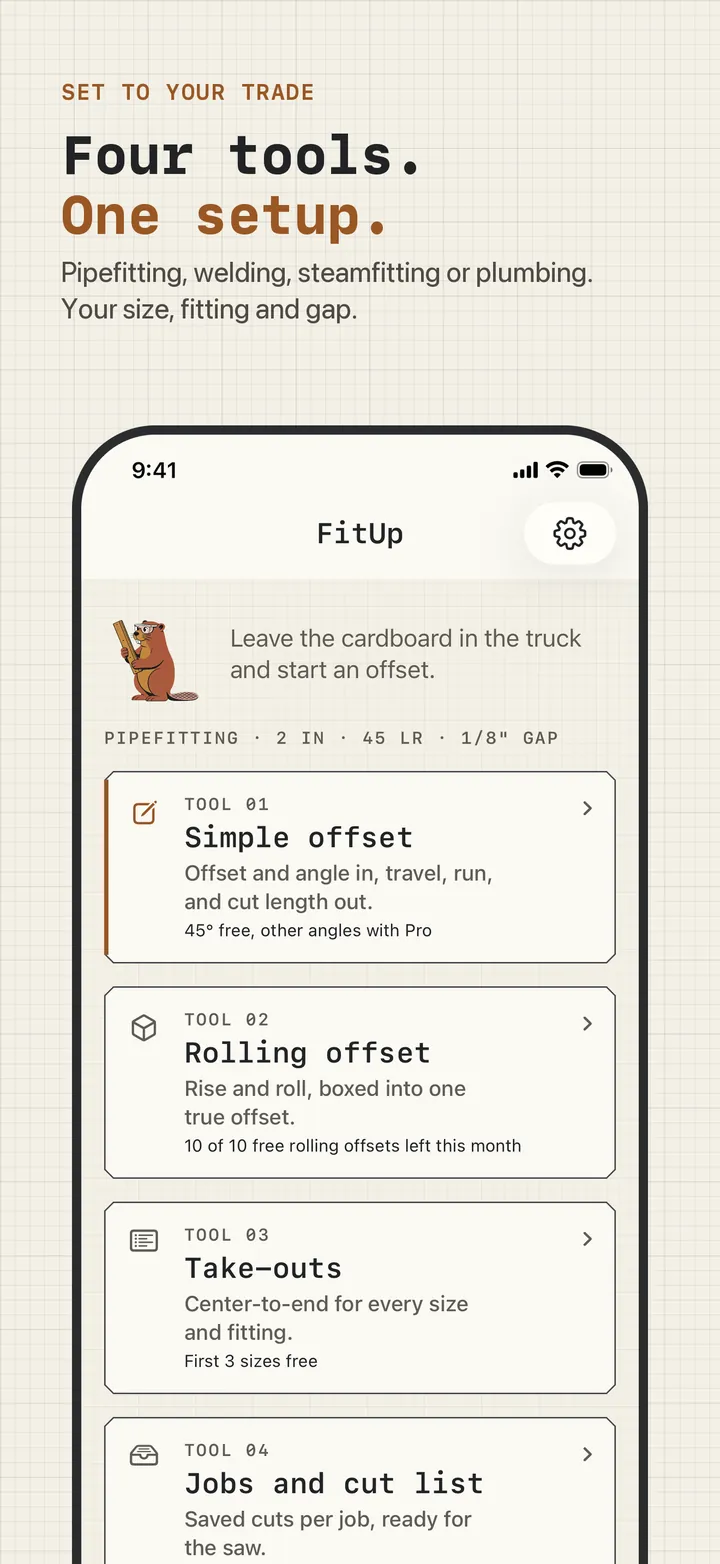
The home screen shows your setup strip, for example "Pipefitting · 2 in · 45 LR · 1/8″ gap", and the four tools. Pick one, type the offset, and change the angle, size, or fitting if this piece differs.
Read the cut
The cut length is the big green number. Travel, run, take-outs, and gap are listed under it, and the formula line shows the exact decimals if anyone wants to check.
Save it to the job
Save to job adds it to that job's cut list, numbered, with the measurements it came from. Read the list at the saw, or send it to the shop with Pro.
The math under every answer
All four tools use one set of formulas, computed from exact values and rounded once, for display:
travel = offset ÷ sin(angle)
run    = offset ÷ tan(angle)
cut    = travel − 2 × take-out − 2 × gap
true offset (rolling) = √(rise² + roll²)
At 45 degrees that is offset × 1.414 for the travel and the offset itself for the run. Each formula is explained, with worked examples, in the pipe offset formula guide.
Where the free tier ends
Every Pro option is visible in place with a lock, or as a blurred preview of your own numbers with a button to the plans. The plans only open when you tap one of those, or the Pro row in Settings. They never open on launch or at the end of setup.
What is free and what Pro adds, with prices and trial terms, is on the pricing page.